One Schema to Rule Both Ends: Sharing Zod Validation Across Frontend and Backend
I worked on a codebase for eight months before I noticed that three separate places were validating the same createUser data. The API route validated it with Zod. The React hook form had its own resolver with its own rules. And there was a utility function somewhere that checked a few of the same fields for a third use case.
They weren't quite in sync. The email regex was different between two of them. The password minimum length was different between all three.
This is the schema drift problem. It's usually invisible until it isn't.
What We're Solving
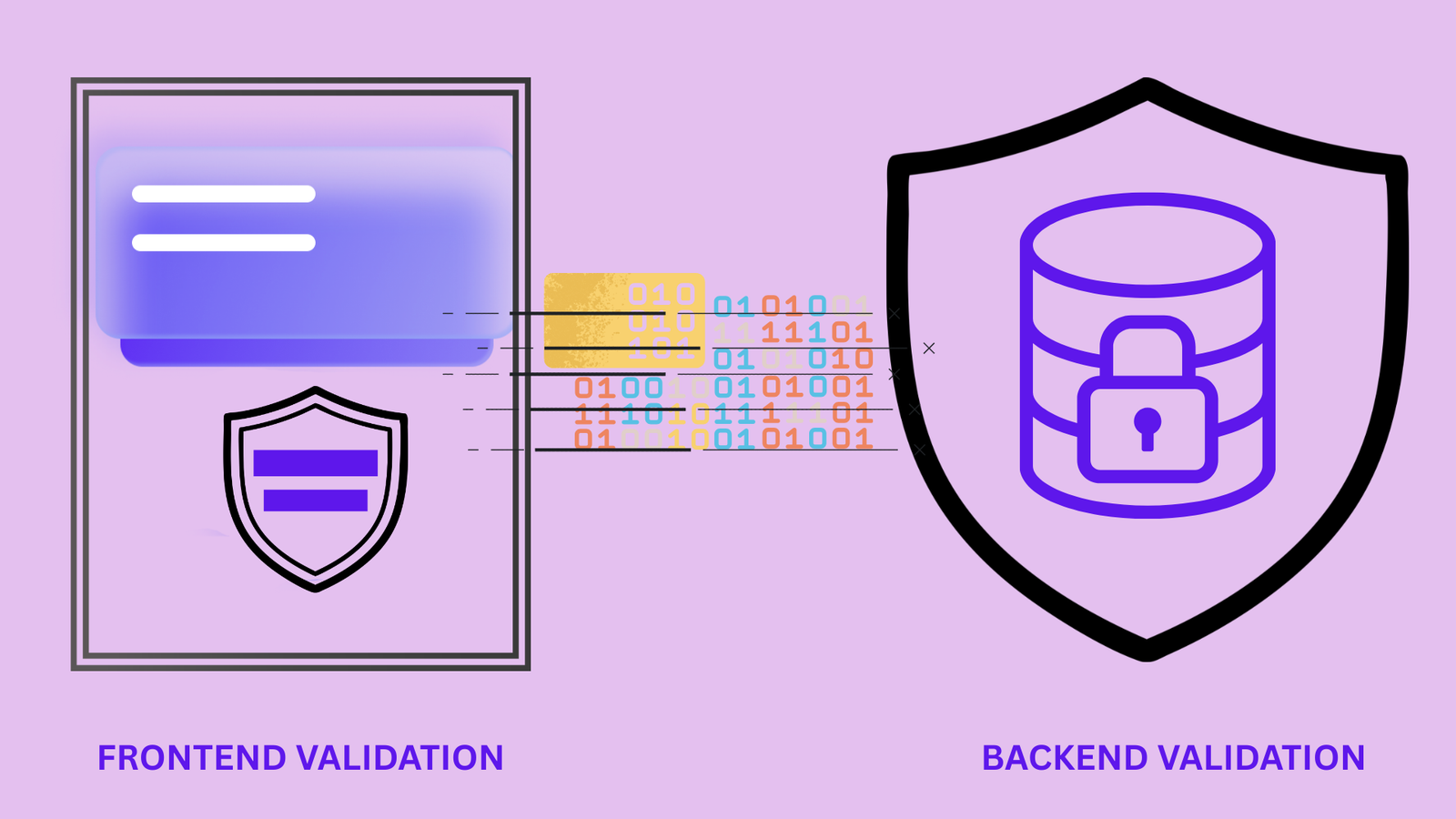
The goal: one definition of "what does valid data for X look like," shared between the server (where we can't trust any input) and the client (where we want to give immediate feedback before hitting the server).
Zod is well-suited for this because it runs in both environments and because you get TypeScript types from it for free.
The Schema Package
In a monorepo, this is straightforward create a schemas package:
packages/schemas/
├── src/
│   ├── user.ts
│   ├── post.ts
│   ├── auth.ts
│   └── index.ts
├── package.json
└── tsconfig.json
typescript// packages/schemas/src/auth.ts
import { z } from 'zod'

export const LoginSchema = z.object({
  email: z.string().email('Must be a valid email'),
  password: z.string().min(1, 'Password is required'),
})

export const RegisterSchema = z.object({
  name: z.string()
    .min(2, 'Name must be at least 2 characters')
    .max(100, 'Name must be 100 characters or fewer'),
  email: z.string().email('Must be a valid email'),
  password: z.string()
    .min(12, 'Password must be at least 12 characters')
    .regex(/[A-Z]/, 'Password must contain an uppercase letter')
    .regex(/[0-9]/, 'Password must contain a number')
    .regex(/[^a-zA-Z0-9]/, 'Password must contain a special character'),
  confirmPassword: z.string(),
}).refine(
  (data) => data.password === data.confirmPassword,
  {
    message: 'Passwords do not match',
    path: ['confirmPassword'],
  }
)

export type LoginInput = z.infer<typeof LoginSchema>
export type RegisterInput = z.infer<typeof RegisterSchema>
Notice: the validation messages are user-facing strings, defined here once. The same message appears in the inline form error and in the API error response.
Server-Side Usage
typescript// apps/api/routes/auth.ts
import { RegisterSchema } from '@my-monorepo/schemas'

app.post('/auth/register', async (req, res) => {
  const parsed = RegisterSchema.safeParse(req.body)

  if (!parsed.success) {
    // Zod's error format maps perfectly to field-level errors
    const fieldErrors = parsed.error.flatten().fieldErrors

    return res.status(422).json({
      code: 'VALIDATION_ERROR',
      fields: fieldErrors,
    })
  }

  // parsed.data is typed as RegisterInput
  const { name, email, password } = parsed.data
  // ...
})
The flatten().fieldErrors gives you { email: ['Must be a valid email'], password: ['...'] } a structure that maps directly to form field errors on the frontend.
Client-Side with React Hook Form
typescript// apps/web/components/RegisterForm.tsx
import { useForm } from 'react-hook-form'
import { zodResolver } from '@hookform/resolvers/zod'
import { RegisterSchema, type RegisterInput } from '@my-monorepo/schemas'

export function RegisterForm() {
  const {
    register,
    handleSubmit,
    formState: { errors, isSubmitting },
    setError,
  } = useForm<RegisterInput>({
    resolver: zodResolver(RegisterSchema),
  })

  const onSubmit = async (data: RegisterInput) => {
    const res = await fetch('/api/auth/register', {
      method: 'POST',
      headers: { 'Content-Type': 'application/json' },
      body: JSON.stringify(data),
    })

    if (!res.ok) {
      const error = await res.json()

      if (error.code === 'VALIDATION_ERROR') {
        // Map server-side errors back to form fields
        for (const [field, messages] of Object.entries(error.fields)) {
          setError(field as keyof RegisterInput, {
            message: (messages as string[])[0],
          })
        }
      }
    }
  }

  return (
    <form onSubmit={handleSubmit(onSubmit)}>
      <div>
        <label htmlFor="name">Name</label>
        <input id="name" {...register('name')} />
        {errors.name && <p className="error">{errors.name.message}</p>}
      </div>

      <div>
        <label htmlFor="email">Email</label>
        <input id="email" type="email" {...register('email')} />
        {errors.email && <p className="error">{errors.email.message}</p>}
      </div>

      <div>
        <label htmlFor="password">Password</label>
        <input id="password" type="password" {...register('password')} />
        {errors.password && <p className="error">{errors.password.message}</p>}
      </div>

      <div>
        <label htmlFor="confirmPassword">Confirm Password</label>
        <input id="confirmPassword" type="password" {...register('confirmPassword')} />
        {errors.confirmPassword && (
          <p className="error">{errors.confirmPassword.message}</p>
        )}
      </div>

      <button type="submit" disabled={isSubmitting}>
        {isSubmitting ? 'Creating account...' : 'Create account'}
      </button>
    </form>
  )
}
One schema. The form shows errors immediately when the user blurs a field. The API validates the same rules on submission (critical never trust client-side validation alone). If the server finds something the client missed (race conditions, server-side business rules), the errors map back to the right fields.
Beyond Simple Validation: Business Rule Schemas
Some validation can only happen server-side (checking uniqueness, verifying tokens), but you can model this cleanly:
typescript// packages/schemas/src/user.ts

// Base schema shareable, no async operations needed
export const UpdateProfileBaseSchema = z.object({
  name: z.string().min(2).max(100),
  bio: z.string().max(500).optional(),
  website: z.string().url().optional().or(z.literal('')),
})

// Extended for client  same fields, maybe lighter validation
export const UpdateProfileClientSchema = UpdateProfileBaseSchema

// Extended for server  can add async checks
export function createUpdateProfileServerSchema(db: Database) {
  return UpdateProfileBaseSchema.refine(
    async (data) => {
      // Server-only check: validate website domain isn't blocked
      if (data.website) {
        return !(await db.blockedDomains.findFirst({
          where: { domain: new URL(data.website).hostname }
        }))
      }
      return true
    },
    { message: 'This website domain is not allowed', path: ['website'] }
  )
}

export type UpdateProfileInput = z.infer<typeof UpdateProfileBaseSchema>
The base schema is shared. The server extends it with async checks that require database access.
Generating TypeScript Types for API Responses
You can use Zod to type API responses too, not just inputs:
typescript// packages/schemas/src/user.ts

// What the API returns not what it accepts
export const UserResponseSchema = z.object({
  id: z.string().uuid(),
  name: z.string(),
  email: z.string().email(),
  plan: z.enum(['free', 'pro', 'enterprise']),
  createdAt: z.string().datetime(),
  // No password, no internalNotes explicitly excluded
})

export type UserResponse = z.infer<typeof UserResponseSchema>

// Validate on the client after fetching
async function fetchUser(id: string): Promise<UserResponse> {
  const res = await fetch(`/api/users/${id}`)
  const data = await res.json()

  // Parse validates the response matches what we expect
  return UserResponseSchema.parse(data)
}
This is particularly useful when consuming external APIs whose actual response shapes don't always match their documentation.
The Single-Repo Case
If you're not in a monorepo, you have a few options:
Put schemas in a shared/ directory at the root and import from there in both client/ and server/ (works if they're in the same repo, which they often are in a Next.js project).
Or, in a Next.js project specifically, put schemas in the lib/schemas/ directory and import from both server-side code and client components. Next.js handles the bundling for you Zod in a server component isn't included in the client bundle; Zod imported in a client component is.
The key principle in both cases: one file, one schema, imported from both ends. Two files with duplicate schemas are the same as the problem we started with.